


How to install IPTV on a Fire TV Stick (2026 guide)
Ten minutes, one stick, every channel. Plus the 2026 catch: which Fire TV models no longer allow sideloading.
Stick, box or the TV itself? What to buy, what to skip and what you already own.
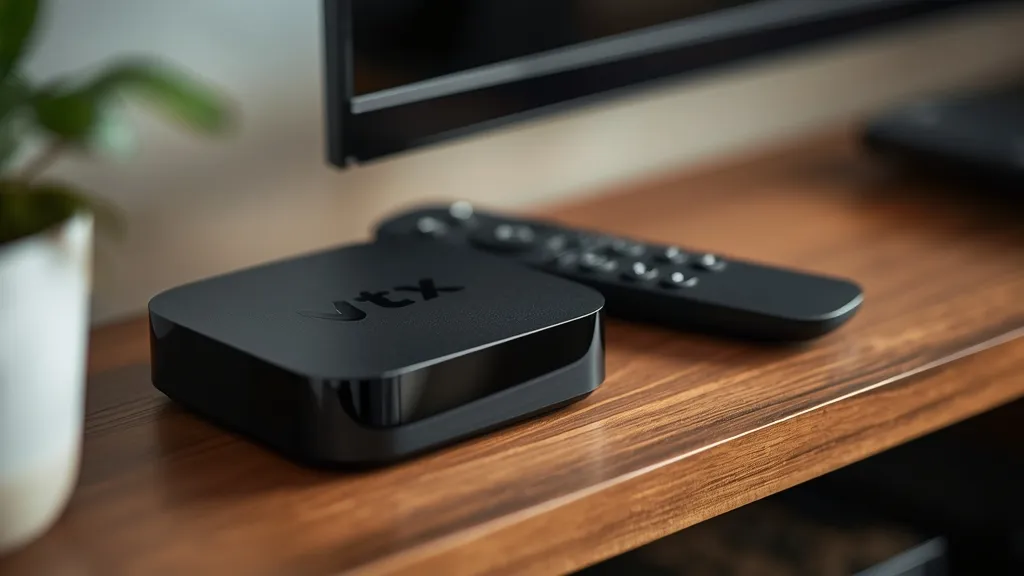
The best device for IPTV is the one that runs a player app smoothly and keeps its Wi-Fi or Ethernet connection stable. For most people that means a streaming stick or an Android TV box, but your Smart TV may already do the job. Here is how the options compare.
A Fire TV Stick is the cheapest route and our Fire TV Stick guide takes ten minutes. Android TV and Google TV boxes cost more but add an Ethernet port and extra storage, which helps for 4K. The NVIDIA Shield sits at the premium end.
Samsung and LG Smart TVs can run compatible IPTV players directly, which saves a device. Older sets can feel slow when you scroll a large channel list, so a stick is often a better experience. If you own a STRONG-branded Android TV box it works too, as explained in Strong IPTV vs STRONG receivers.
Pick by your screen and your network. If the TV sits far from the router, buy a box with an Ethernet port. Then follow the IPTV setup guide for your model.
Ten minutes, one stick, every channel. Plus the 2026 catch: which Fire TV models no longer allow sideloading.
Same word, two different things: a streaming service and a hardware brand. Here is how to tell them apart.
Who shows what, when the big kick-offs are and how to keep the stream smooth on match day.
Test Strong IPTV free for 24 hours on your own TV.