



Strong IPTV – Best IPTV Setup Guide
To set up IPTV you install a player app, enter the login we send you and wait a few seconds for the channel list to load. The whole process takes about five minutes on any device.
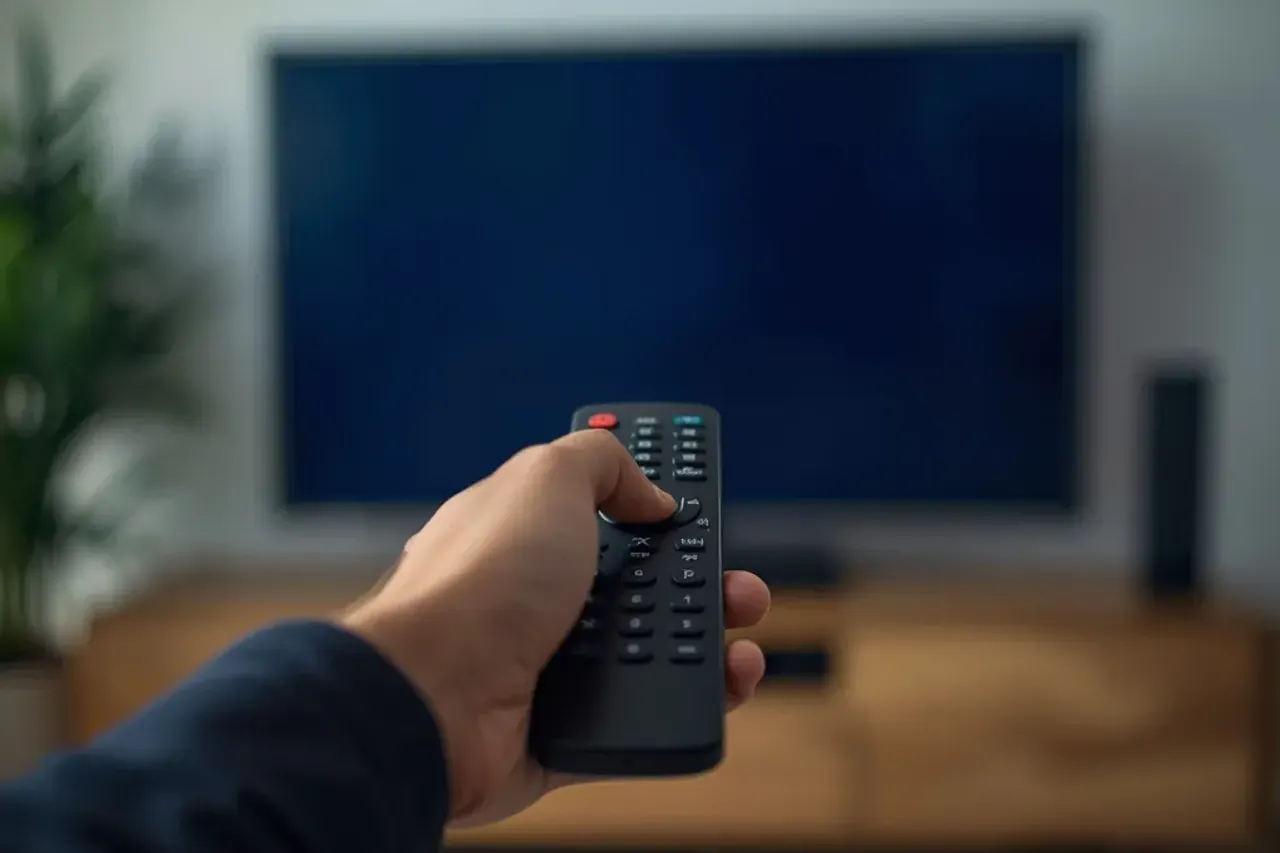
How do I get Strong IPTV running in 3 steps?
Get your login
Message us on WhatsApp, pick a plan or the free trial and we send your login details and a setup note for your device.
Install an IPTV player
Download a compatible player from your device's app store (or follow the device steps below).
Sign in and watch
Enter your details. The channel list, TV guide and on-demand library load in a few seconds.
Internet needs: about 15 Mbps per screen in HD and 25 Mbps for 4K, according to the
FCC broadband speed guide https://www.fcc.gov/consumers/guides/broadband-speed-guide
range for streaming.
Which devices work with Strong IPTV?
If it can run an IPTV player app, it works.
Amazon Fire TV Stick
- Open Settings and allow apps from the Downloader app if prompted.
- Install a player and open it.
- Enter the login we sent you.
Full walk-through: install IPTV on a Fire TV Stick. Amazon also documents Fire TV for developers.
Android TV, Google TV and Nvidia Shield
- Open the Play Store and install a player.
- Launch it and choose "Login with Xtream" or the format we send.
- Enter your details.
See the NVIDIA Shield range for a fast box.
Samsung and LG Smart TVs
- Open the Samsung or LG app store.
- Install a compatible player.
- Enter your login.
Apple TV, iPhone and iPad
- Open the App Store and install a player.
- Open it and add your login.
- On Apple TV follow the
- Apple TV setup guidehttps://support.apple.com/en-us/111839
- first if the device is new.
Android phones and tablets
- Install a player from Google Play.
- Add your login.
- Watch on the move over Wi-Fi or mobile data.
Windows, Mac and Web
- Install a desktop player or use a browser-based one.
- Add your login.
- Cast to a TV if you like.
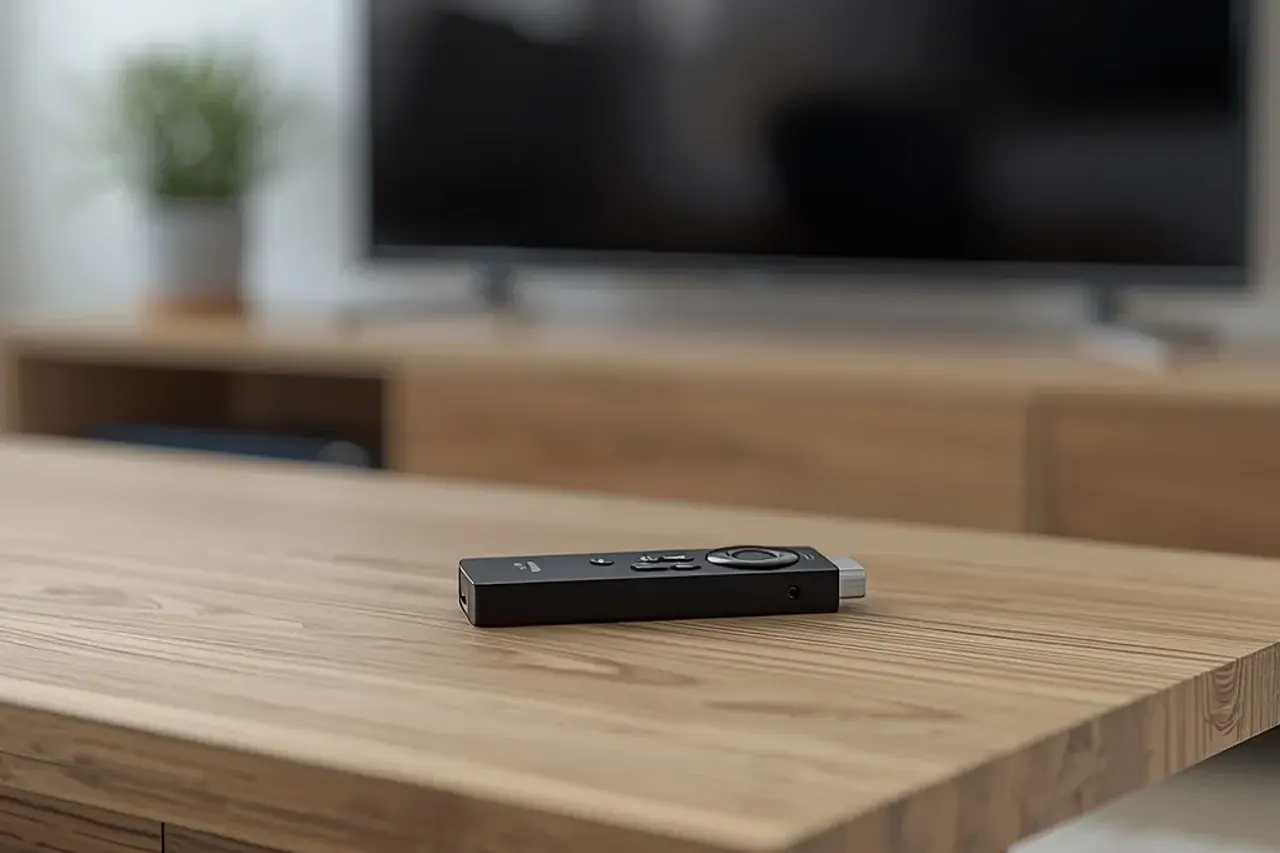
Setup troubleshooting
Which app should I install?
Any compatible IPTV player works. When you message us we recommend one for your exact device and send the details to enter.
Why does the picture freeze or buffer?
Most of the time it is the home network. Move closer to the router or use a cable, lower the stream quality, and read our buffering guide.
Can I use Strong IPTV on more than one screen?
Yes. Plans cover 1 to 4 simultaneous connections, so several people can watch at once.
Need a hand with setup?
Send us your device model on WhatsApp and we will walk you through it.