


How to install IPTV on a Fire TV Stick (2026 guide)
Ten minutes, one stick, every channel. Plus the 2026 catch: which Fire TV models no longer allow sideloading.
Nine times out of ten it is the home network, not the service. Work through these eight checks in order.
When IPTV buffers or freezes, the cause is the home network in the large majority of cases, not the service. Work through these eight fixes in order: the first three solve most problems in a couple of minutes.
If one channel freezes while every other channel is smooth, send us the channel name on WhatsApp: we switch it to a backup source. If everything freezes at the same moment on every device in the house, that points to your connection or your internet provider at peak time.
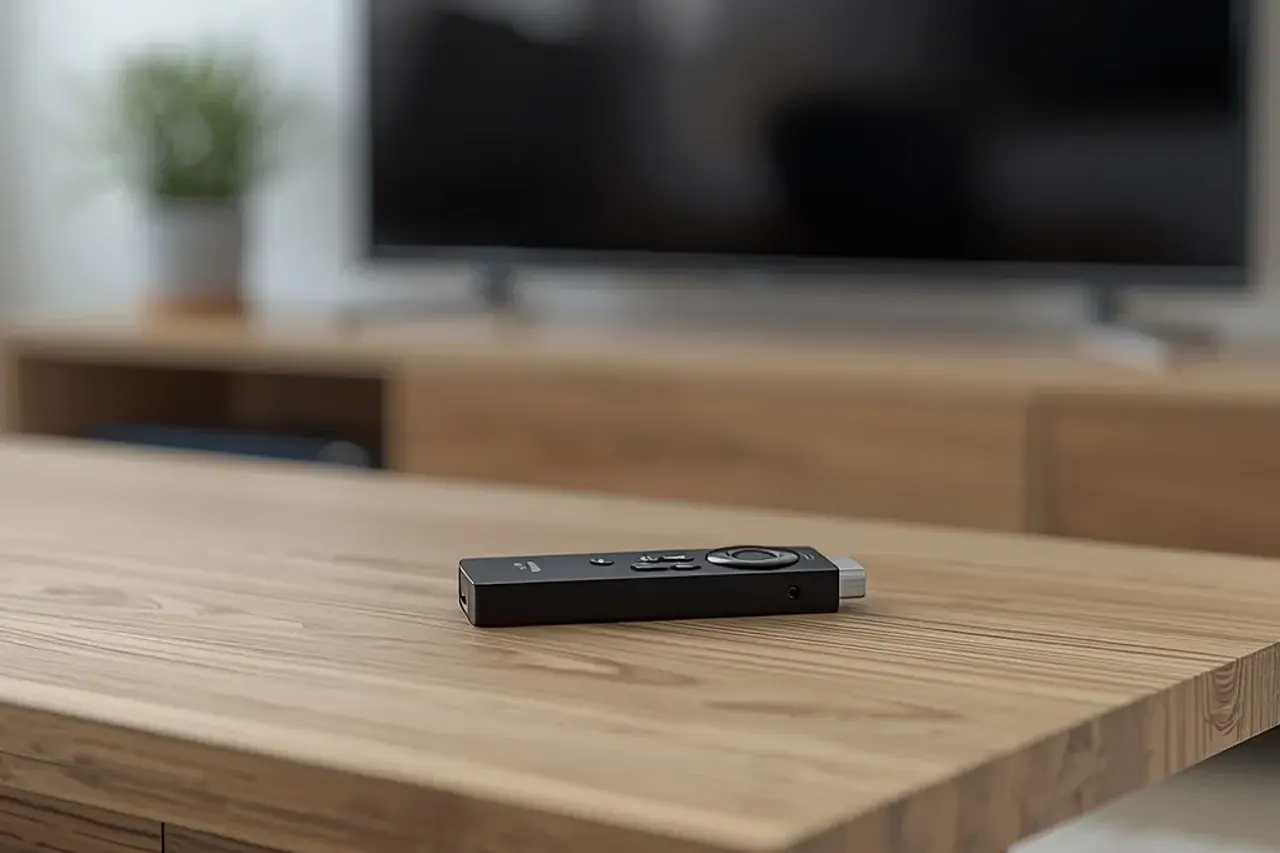
Live football is where buffering hurts most, because everyone streams at once. Our football on IPTV guide has three match-day settings, and the Fire TV Stick guide covers the right power and display settings for the most common stick.
Still stuck? Our setup guide covers each device, and support answers on WhatsApp 7 days a week.
Ten minutes, one stick, every channel. Plus the 2026 catch: which Fire TV models no longer allow sideloading.
Who shows what, when the big kick-offs are and how to keep the stream smooth on match day.
Television over the internet, explained without jargon: how it works and what you need.
Test Strong IPTV free for 24 hours on your own TV.